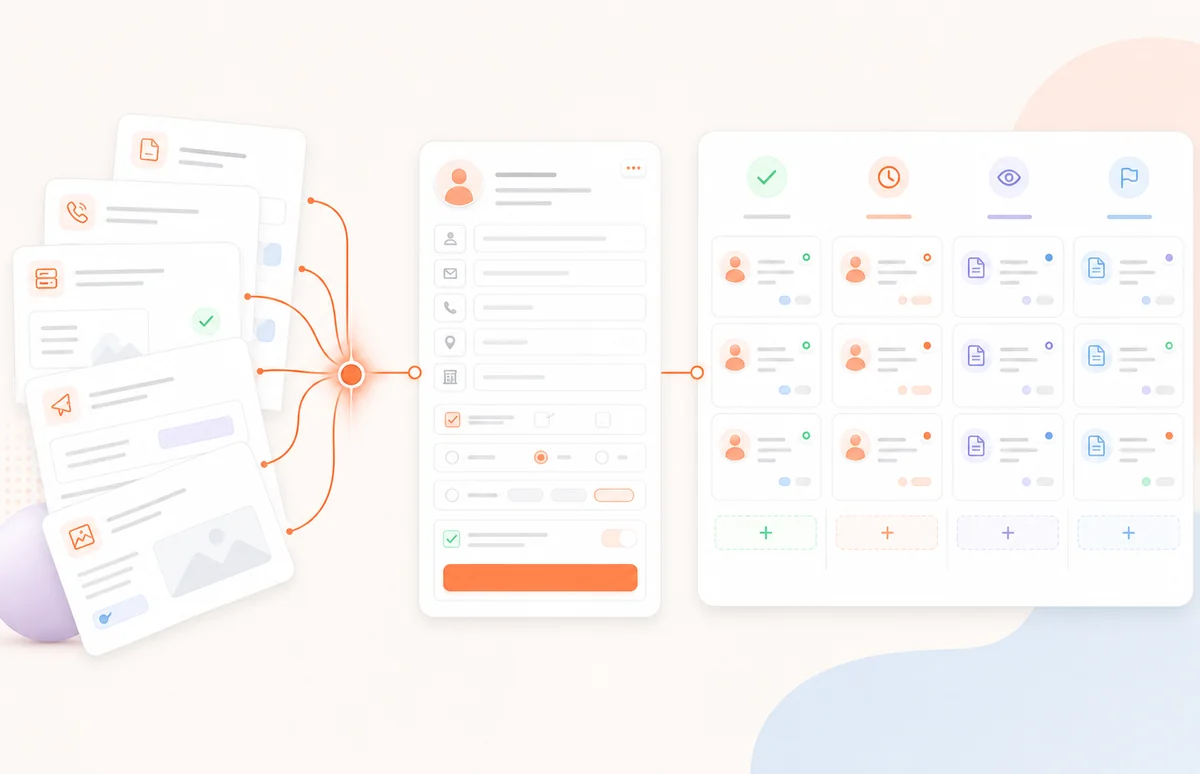
Build one clear path
Give each page one decision, one action, and one obvious next step.
Create connected pages without a developer. Use forms and calls to action to move leads into Spacebrain’s built-in CRM and trigger follow-up.
Build the journey, capture the lead, and connect each response to booking, messaging, and automation in the same platform.
Give each page one decision, one action, and one obvious next step.
Add your logo, colors, offer, message, and call to action for each campaign or client.
Use a workflow to update the lead, assign an owner, and trigger the next step.
Standalone page builders leave your team to connect forms, CRM records, booking, and follow-up. Spacebrain keeps the journey together.
With Spacebrain, the funnel, lead record, owner, and next action stay connected.
Build the pages, add the form or call to action, publish the journey, and connect what happens after each conversion.
Create each page, section, form, and call to action.
Link the steps into one clear path.
Put the funnel live across your site and campaigns.
Save the lead in the CRM, route it, and trigger the next step.
Use Funnel Builder across campaigns, services, clients, and locations. Each funnel can capture different details and trigger a different workflow.
Turn campaign traffic into organized lead records.
Move qualified leads from interest to a booking step.
Collect the details your team needs before preparing an estimate.

Ask the questions that help your team review and route each lead.

Build the registration path and connect it to reminders and follow-up.

Gather requirements and start the right onboarding workflow.
Build and manage client funnels in the same Spacebrain workspace you use for leads, booking, messaging, follow-up, and automation.
Create lead-capture, booking, quote-request, application, webinar, and client-intake funnels without code.
No. Build the pages, add the form or call to action, connect the steps, and set the next workflow in the no-code builder.
Funnel responses can be saved with the lead record in Spacebrain’s built-in CRM, ready for routing and follow-up.
Yes. Use Spacebrain forms and booking calls to action inside the journey, then connect the lead to the next workflow.
Yes. Create branded funnels for different clients, campaigns, services, and locations, then manage leads and follow-up in one place.
Yes. Connect the funnel to a Spacebrain workflow to create or update the lead, assign an owner, and trigger the next step.
Funnel Builder and Spacebrain’s built-in CRM work together, so the conversion, lead record, and next action stay connected.
Yes. Create a separate funnel and workflow for each campaign, service, client, location, or offer.
Yes. Start for free.
Create the pages, capture the lead, and connect every conversion to the next step.

Turn calls, forms, and messages into qualified leads and booked appointments—then keep every conversation in one CRM.
Platform
AI ReceptionistAI CRMForm BuilderFunnel BuilderWebinar BuilderCustom DashboardsUniversal InboxAI Knowledge HubTask ManagerIntegrationsEmail BuilderEmail AutomationsCompany
Pricing